Enhancing Solace Documentation Navigation
Project for the company's internal hackathon where our intern team won people's choice
Period:
April 2024
Role:
Software Developer, UI designer
Team:
4 developers, 2 UI designers/developers
Tools:
Figma, React, Python, HTML, CSS
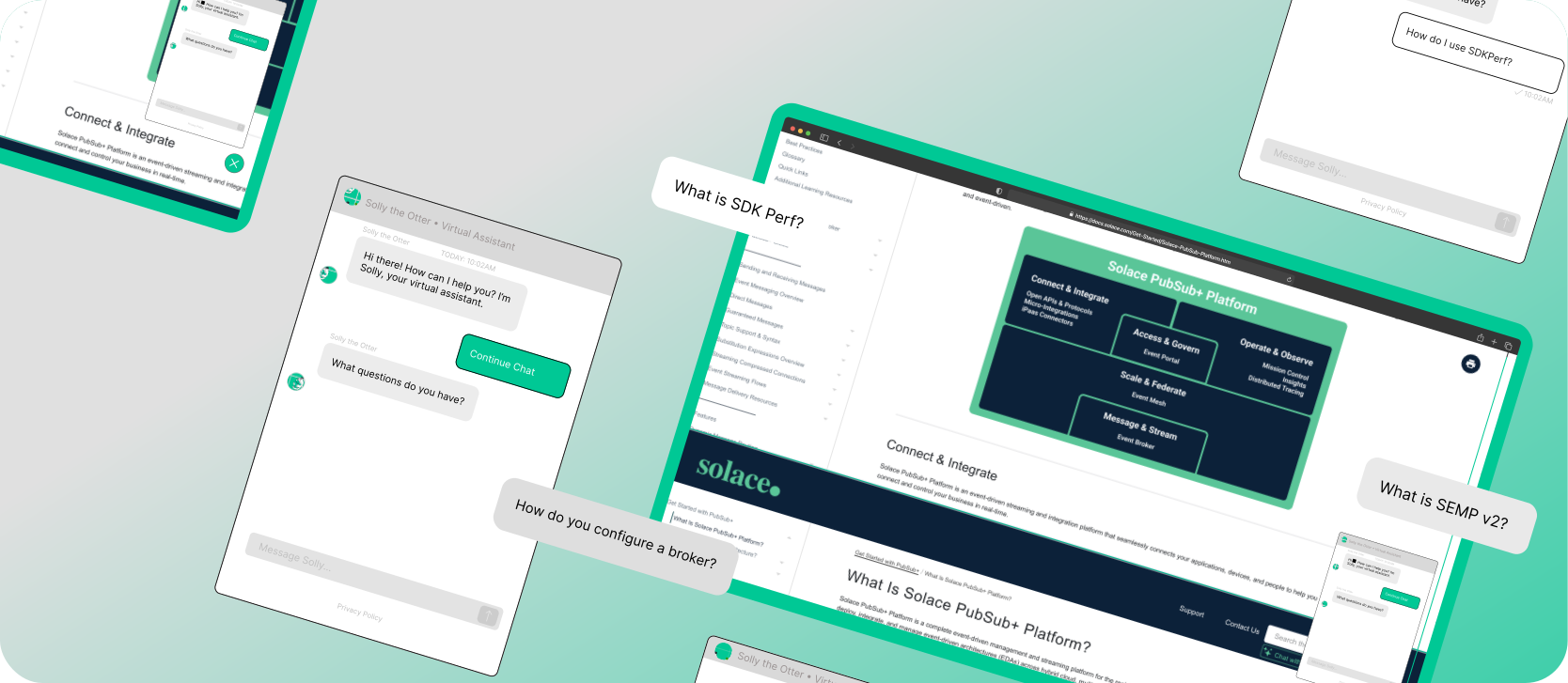
"How do we make understanding documentation and onboarding easier?"
Project Overview
Background:
Solace PubSub+ offers comprehensive technical documentation, serving a diverse user base from students to enterprise developers.
Problem:
Users struggle to quickly find and understand specific technical information within the extensive documentation, creating friction in the learning and implementation process.
Solution:
An AI-powered documentation chatbot that provides instant, conversational access to Solace's technical knowledge base, making information discovery intuitive and efficient.
My Role:
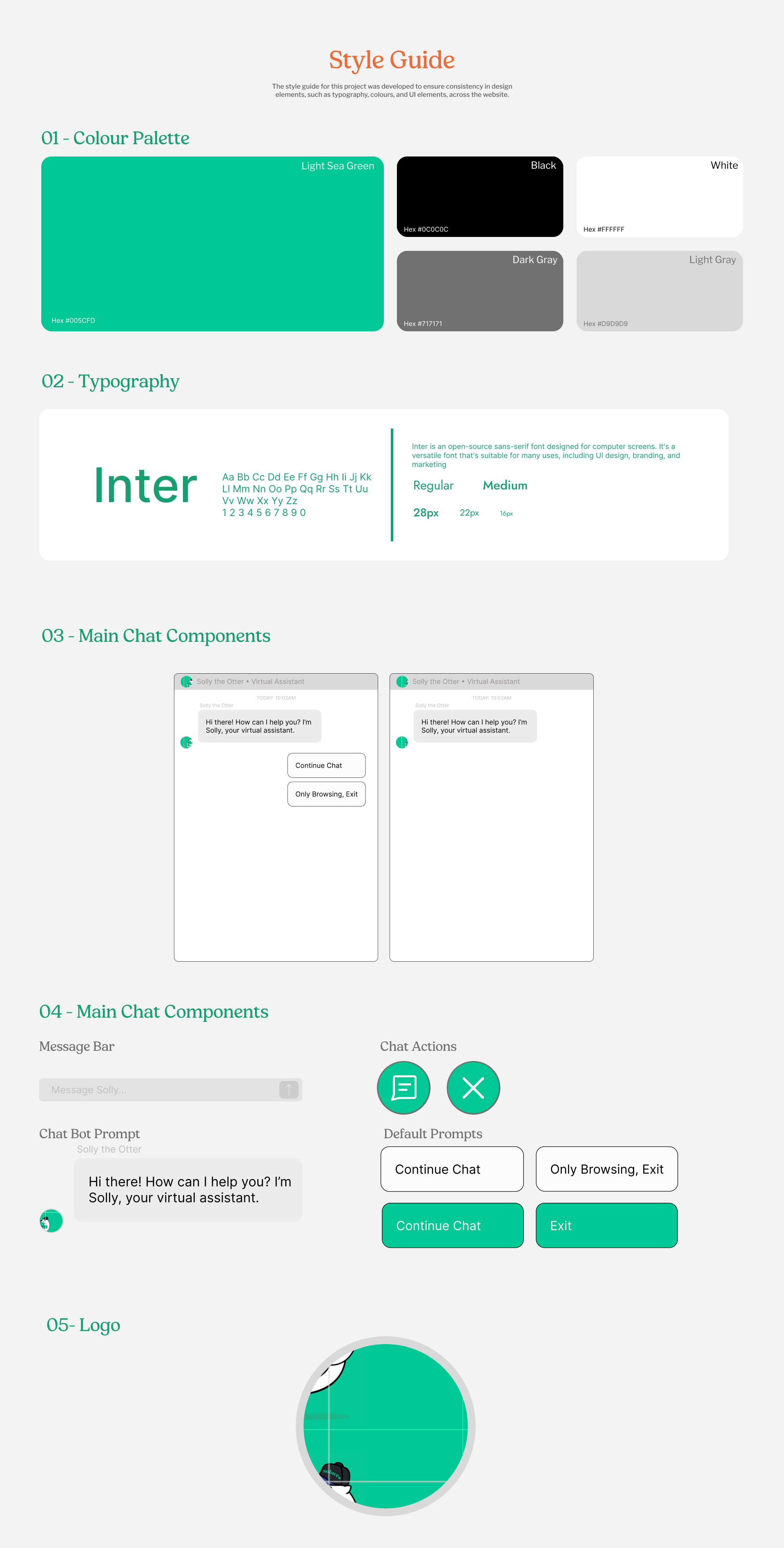
I designed the AI chat bot's conversational interface, user onboarding work-flows
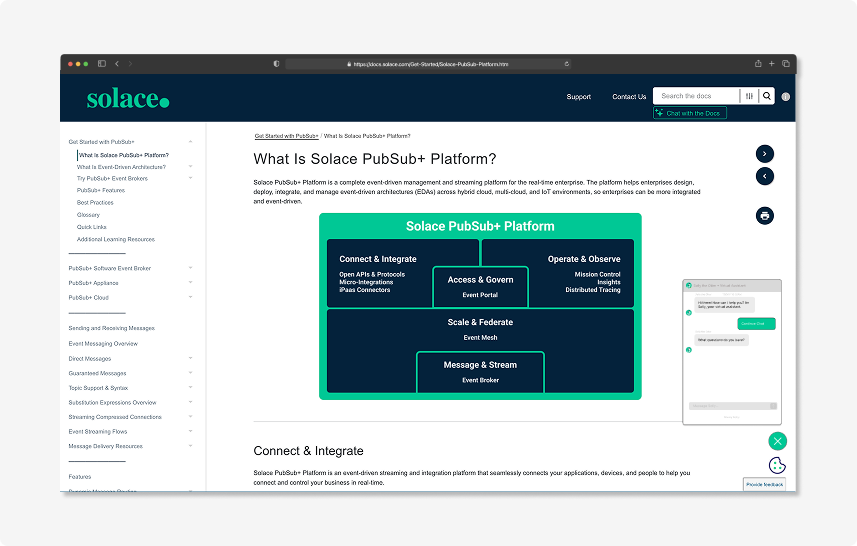
Solace Documentation with Chatbot
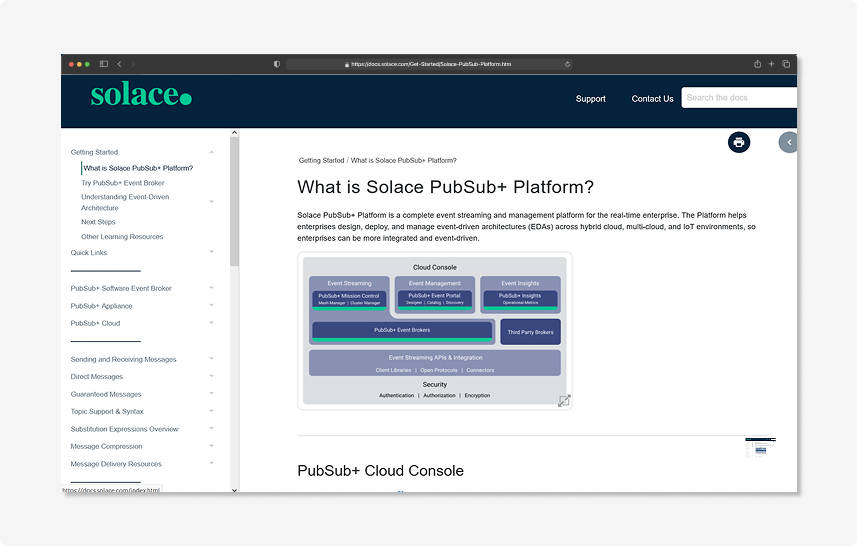
Current Solace Documentation
Results
84%
of users found answers faster using the chatbot compared to traditional documentation navigation
92%
of users said they would use the chatbot as their primary method for accessing Solace documentation
98%
of users reported feeling more confident in implementing Solace solutions with the chatbot's assistance
Research & Development
01 — Brainstorm
Given the task to "create a project with AI that improves daily workflow" our team focused on transforming how users interact with Solace PubSub+ documentation. The challenge: How might we help users find and understand technical information more efficiently while maintaining the depth of content?
02 — Research
We conducted 7 user interviews with Solace users across different roles (developers, students, system architects) to identify pain points and insights for improving documentation accessibility. I also researched chatbot implementation in technical documentation and its impact on user engagement.
Areas of Research
Understanding Technical Documentation Needs
To understand how different users (developers, students, architects) navigate technical documentation and what challenges they face in finding specific information.
Analyzing User Learning Patterns
To understand how users prefer to learn technical concepts, their preferred methods of consuming documentation, and what makes information more digestible for them.
Exploring Current Documentation Tools
To understand how existing documentation platforms and chatbots perform, where they excel, and most importantly, where they fall short in meeting user needs.
Findings
Interview Findings:
- Users found the technical depth valuable but struggled with navigation
- Most users preferred interactive learning over static documentation
- Real-time assistance was highly valued, especially during implementation
- Users expressed strong interest in personalized learning paths
- Documentation search was a major pain point across all user types
Research Findings:
- Technical documentation chatbots can reduce search time by up to 60%
- Interactive documentation increases user engagement by 40-50%
Bringing our Ideas to Life
We built the Solace Documentation Chatbot with a focus on intuitive interaction and quick access to information.
Before we started, I focused on creating a flow chart to express user's interactions with insights and conclusions gathered from our findings.
User Flow Visualization
Interactive flowchart showing the user journey through our documentation system
The user flow diagram illustrates how users interact with our AI documentation assistant - from their first visit through to finding answers. It maps out key interactions like natural language queries, code help, and troubleshooting paths, showing how the chatbot adapts to different user needs. The feedback loop ensures continuous improvement based on user satisfaction.
Design & Features
03 — Design Process
Our solution: An AI-powered documentation chatbot that provides conversational access to technical information.
Key Features:
- Natural language search capabilities
- Context-aware responses
- Interactive code examples
- Personalized learning paths
- Real-time documentation update
Prototyping & Wire framing
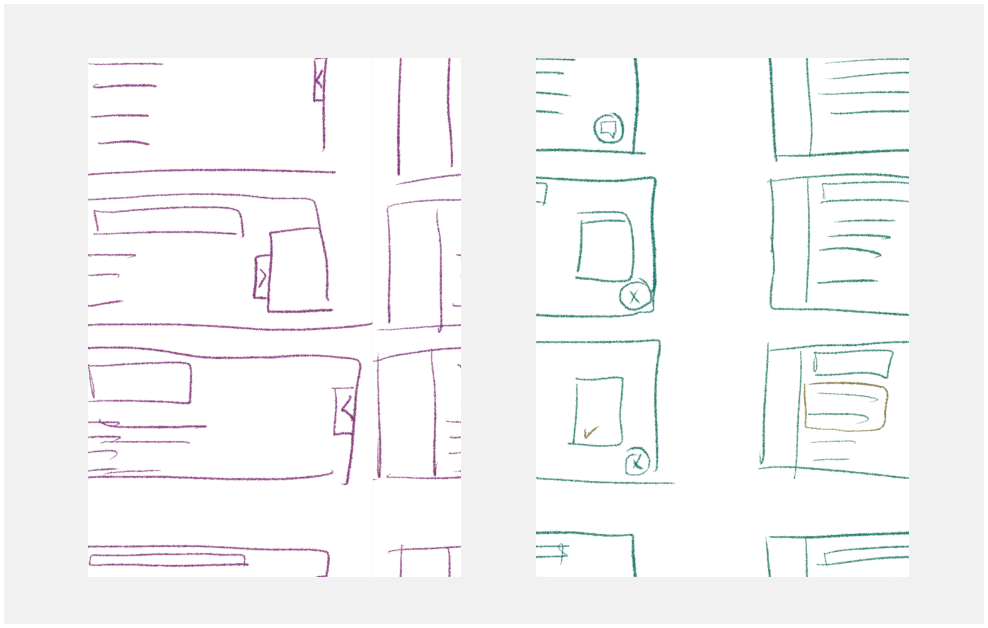
Preliminary Sketches




Low-fidelity Wireframing
Prototype
Next Steps
Our roadmap focuses on continuous improvement and expansion of the Solace Documentation Chatbot. Starting with a beta launch to gather initial feedback, we'll progressively roll out enhanced features like multi-language support and personalized learning paths. Our immediate priority is user testing and analytics setup to ensure we're delivering the most effective documentation experience possible.